Understanding the Manawa back office: the essential guide
Learn how to master every tab in your back office: from booking management to the strategic configuration of your promotions.
Want to boost your bookings for a specific period or reward your customers? Discover how to create your promotional offers independently, directly from your Manawa back-office.
Welcome to Manawa, the website for booking outdoor activities around the world. From diving to canyoning, we connect adventure enthusiasts with professional local instructors to guarantee unforgettable experiences.
Do you want to set up a promo to boost your sales? It is very simple and you have the control to do it yourselves in just a few clicks. Here is the procedure to follow:
Once logged into your back-office (need a reminder for the login? It’s right here), go to the "Activities" tab in the menu bar on the left.
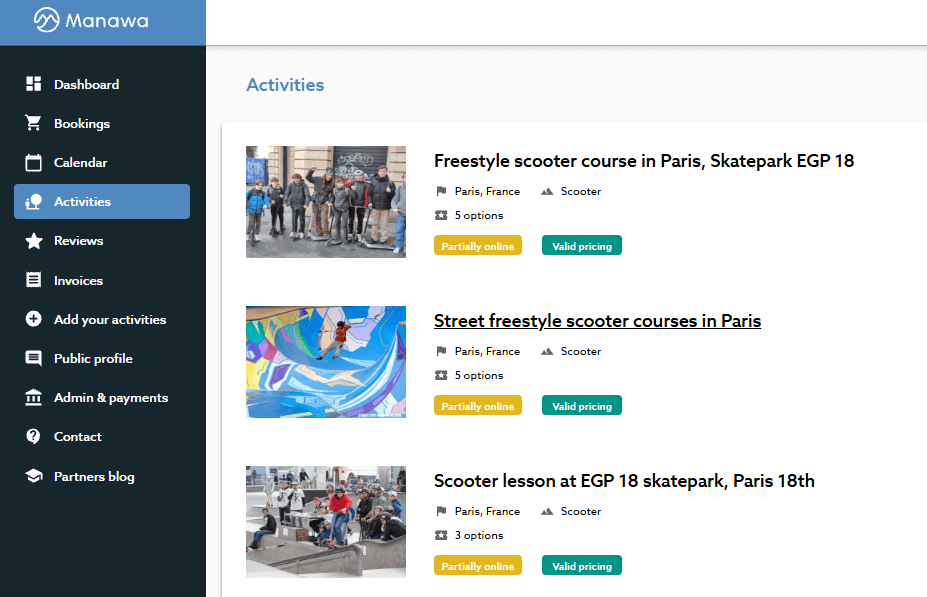
Click on the activity you wish to promote.
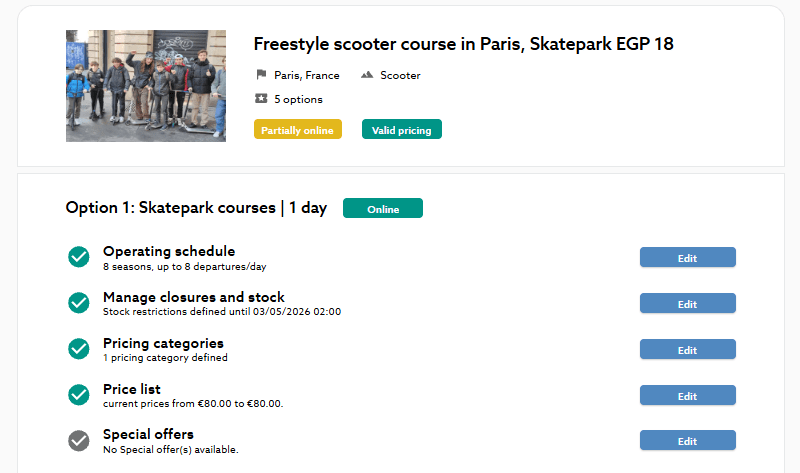
Please note: Promotions are managed at the Options level. If your activity offers several (for example: "20-minute Flight" and "30-minute Flight"), you will need to configure the promo for each option independently.
Scroll down to the "Special Offers" section and click on "Edit" or "Add a new promotion."
A window will then open to define your conditions:
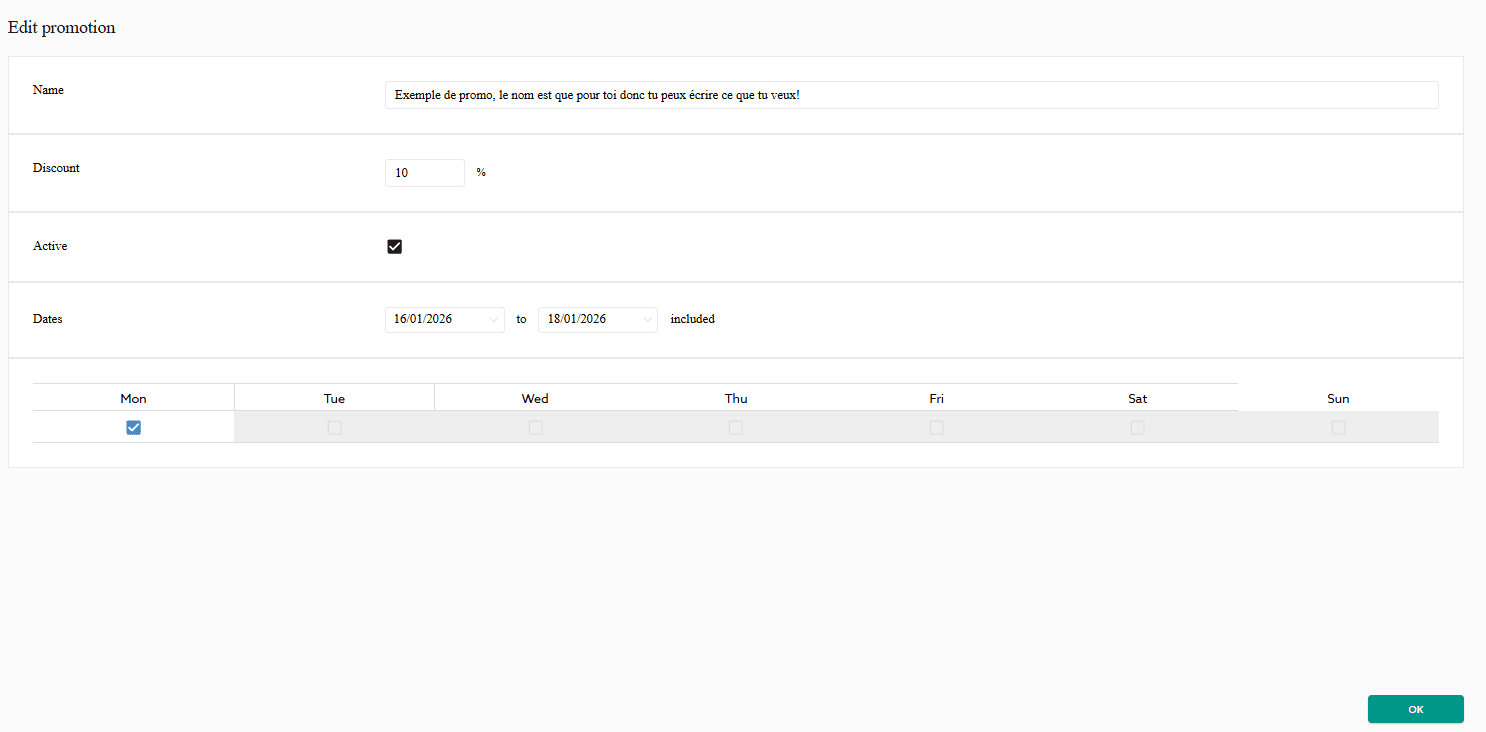
Don't forget to click "OK" and then "Save changes" to put the promo live.
To be sure everything is perfect:
Important note: The slashed price can take between 3 and 10 days (cache delay) to appear on the search pages, but the promo is indeed active in the purchase funnel as soon as you validate! Therefore, do not hesitate to set up your offers as early as possible to guarantee maximum visibility.
It’s your turn! And if needed, the entire Manawa team remains at your service.

Head of Supply & Outdoor Partnerships at Manawa, I am passionate about outdoor activities and dedicated to making them more accessible to convince everyone to go out and discover them!
Learn how to master every tab in your back office: from booking management to the strategic configuration of your promotions.
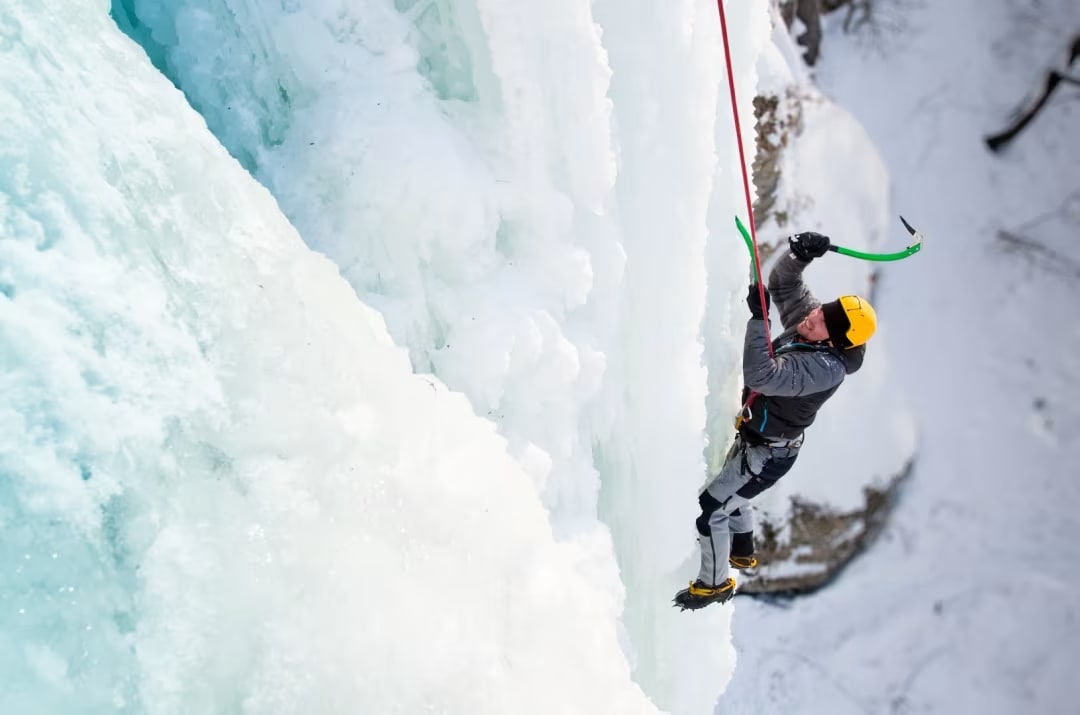
Welcome to the FAQ article dedicated to answering the most common questions our outdoor activity partners ask. At Manawa, we strive to provide seamless support, ensuring you have al
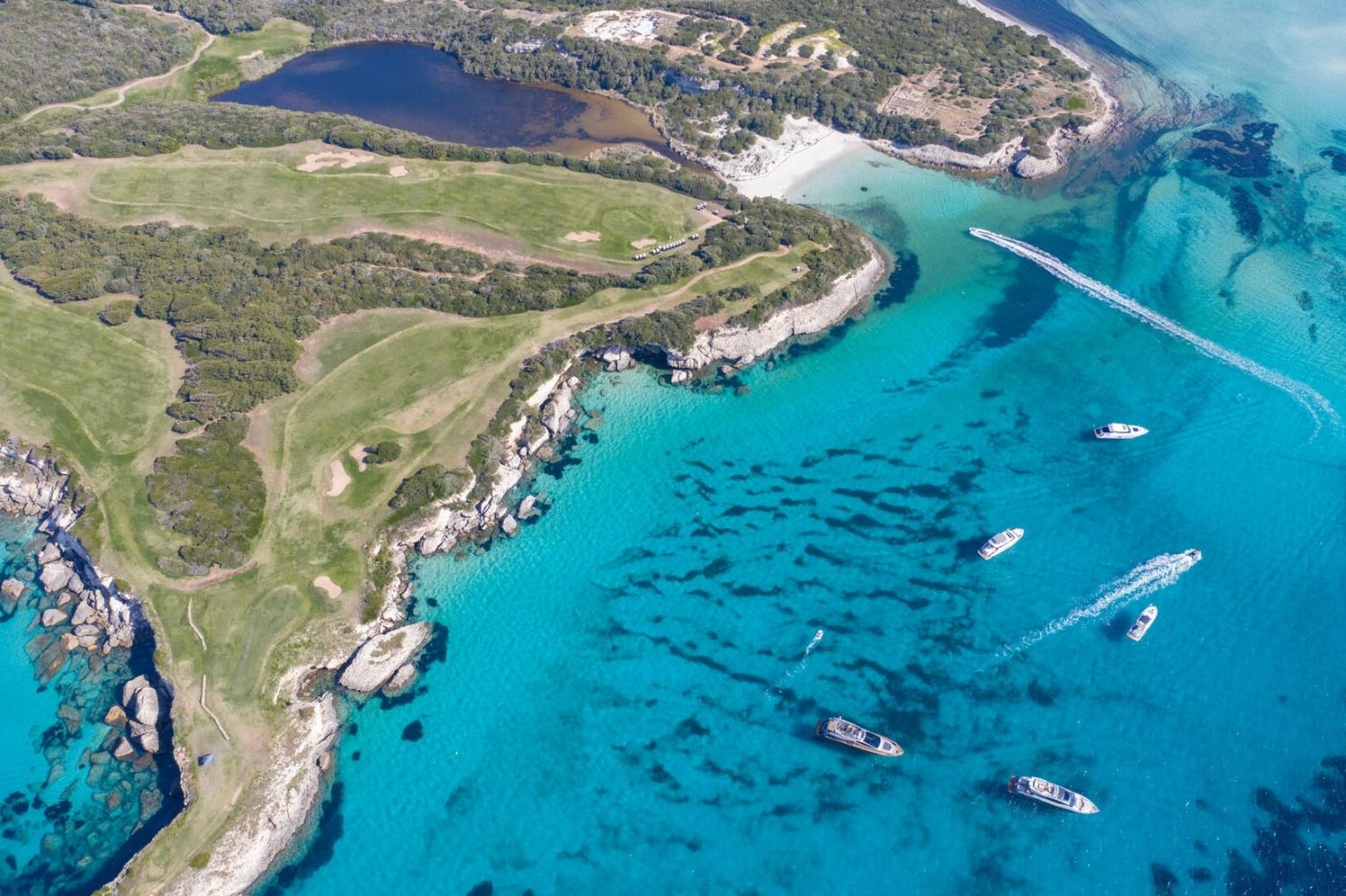
Plan your trip to Corsica with our complete guide covering the best places to visit, outdoor activities, itineraries, practical tips and everything you need to know before you go.
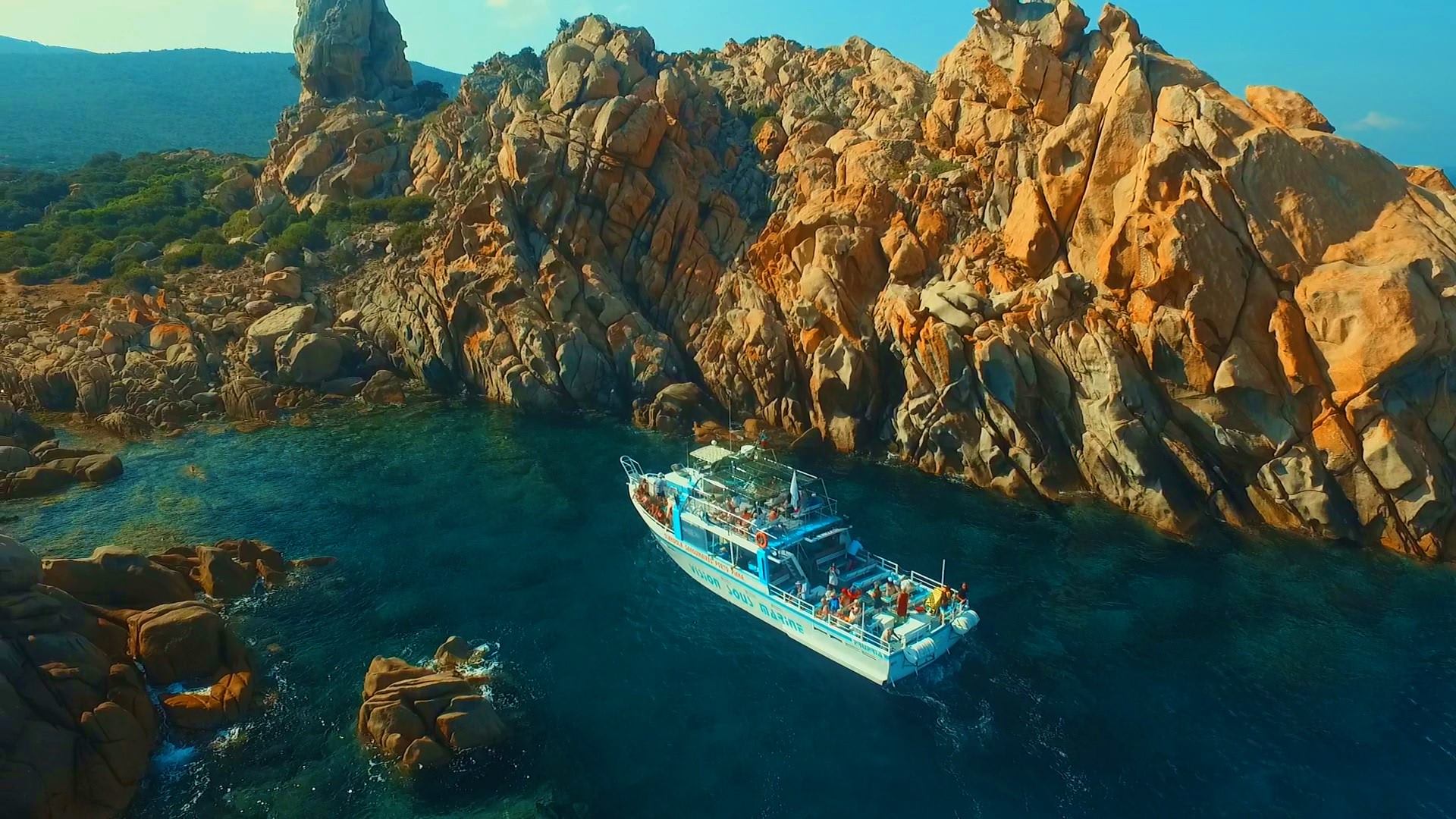
Discover the best things to do in Propriano, Corsica, from canyoning and kayaking to scuba diving, beaches and boat trips. Get practical tips and find the best outdoor adventures fo
Discover a new way to explore Europe: checkyeti and Manawa are joining forces to offer even more outdoor adventures across the continent.
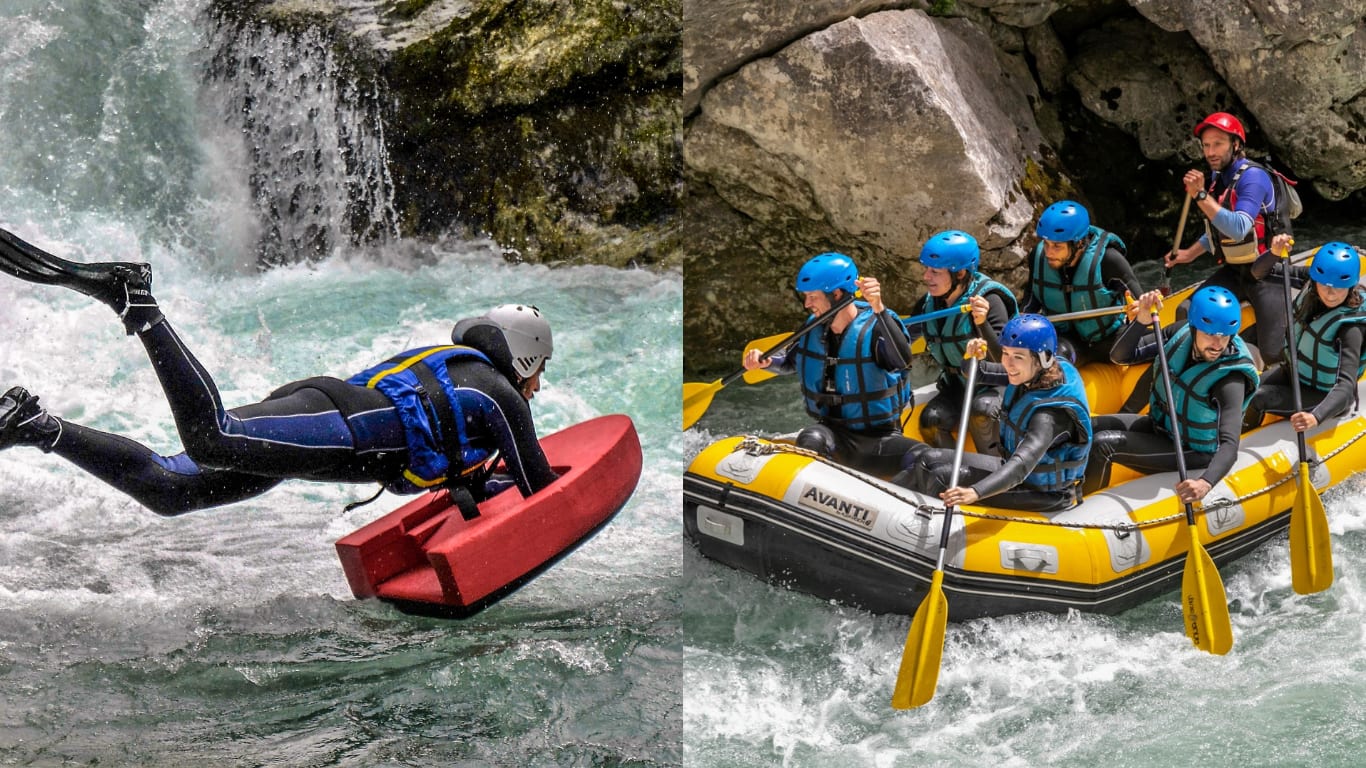
Choosing between rafting and hydrospeed for your next river trip? Discover the key differences to find your perfect whitewater match.