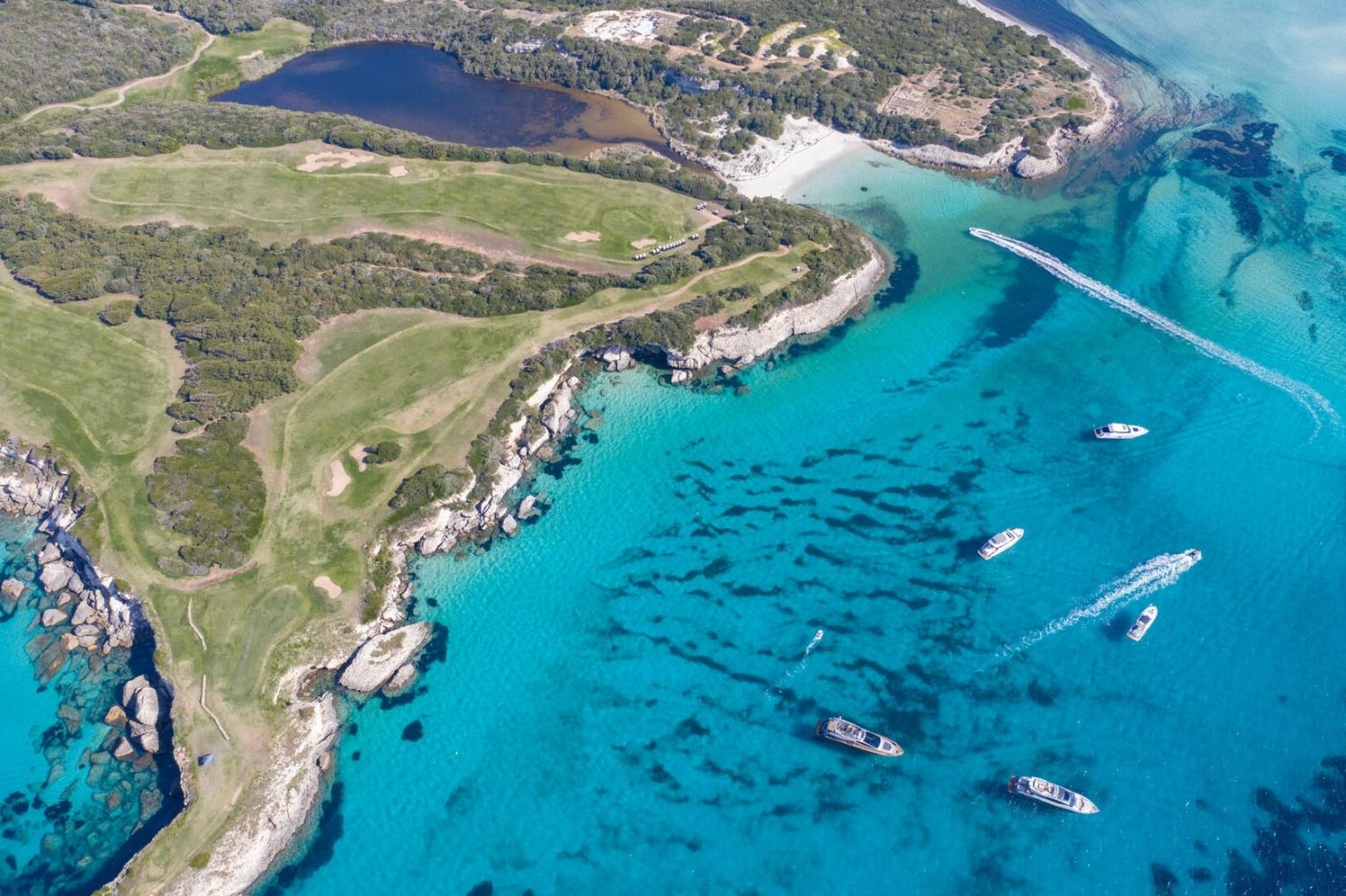
Corsica: The Complete Travel Guide
Plan your trip to Corsica with our complete guide covering the best places to visit, outdoor activities, itineraries, practical tips and everything you need to know before you go.
What if your back-office became your best ally for saving time and filling your schedule? From simplified management to price steering and marketing tools: discover how to transform your partner dashboard into a true control tower for your season.
Welcome to Manawa, the website for booking outdoor activities around the world. From diving to canyoning, we connect adventure enthusiasts with professional local instructors to guarantee unforgettable experiences.
If you are not yet logged into your account, you can find all the essential information and the login link here: How to use the Manawa back office.
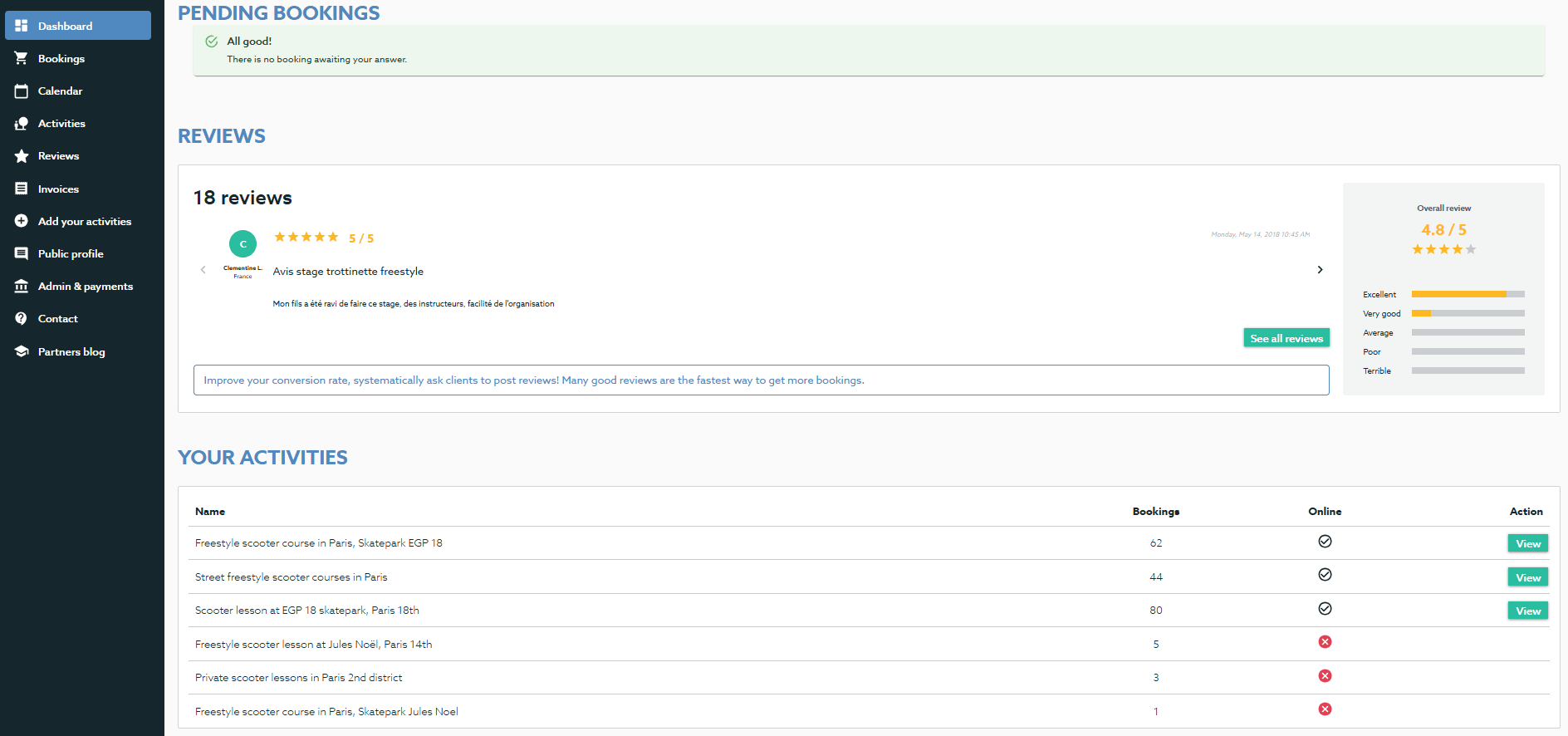
This is where you manage your customer flow and transactions.
This is the engine of your Manawa shop. Each activity can have several options (e.g., 2h lesson, half-day, 3-day course).
Important note: If you use a booking software connected via API, your prices and availabilities are sent directly by your software. In this case, only the "Special offers" (promotions) section is relevant to you to boost your sales specifically on Manawa.
How to: All the information on How to create your prices and seasons on Manawa?
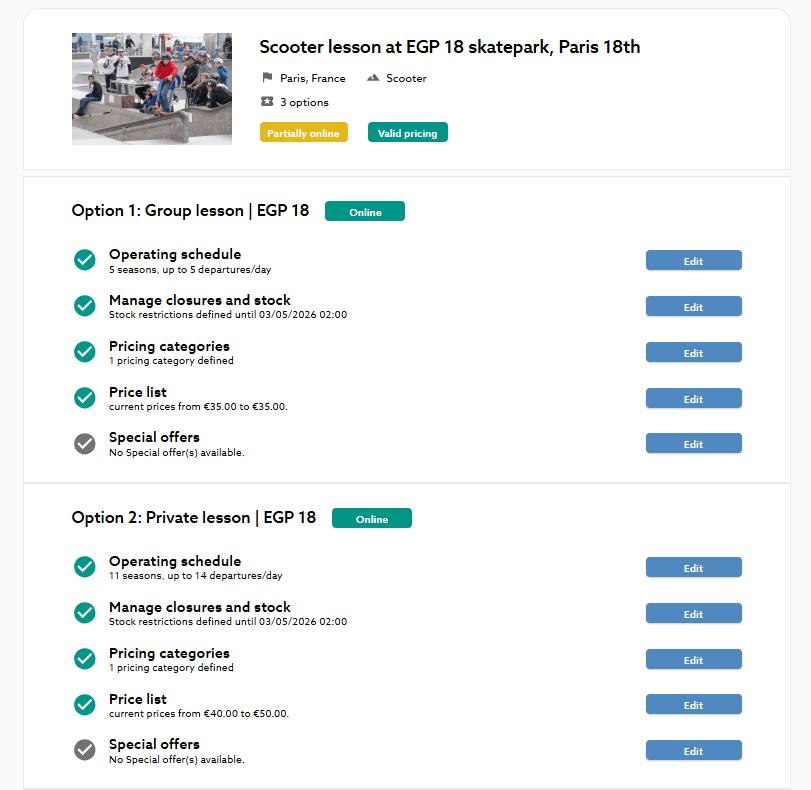
Admin & Payments: If you need to make changes to your administrative documents, the submission form is available directly in this tab.
Don't worry if this tab is empty! For security reasons, we do not store your bank details in this back-office. We archive them internally. If in doubt, a quick email to [email protected] and we will confirm everything is okay.

Head of Supply & Outdoor Partnerships at Manawa, I am passionate about outdoor activities and dedicated to making them more accessible to convince everyone to go out and discover them!
Plan your trip to Corsica with our complete guide covering the best places to visit, outdoor activities, itineraries, practical tips and everything you need to know before you go.
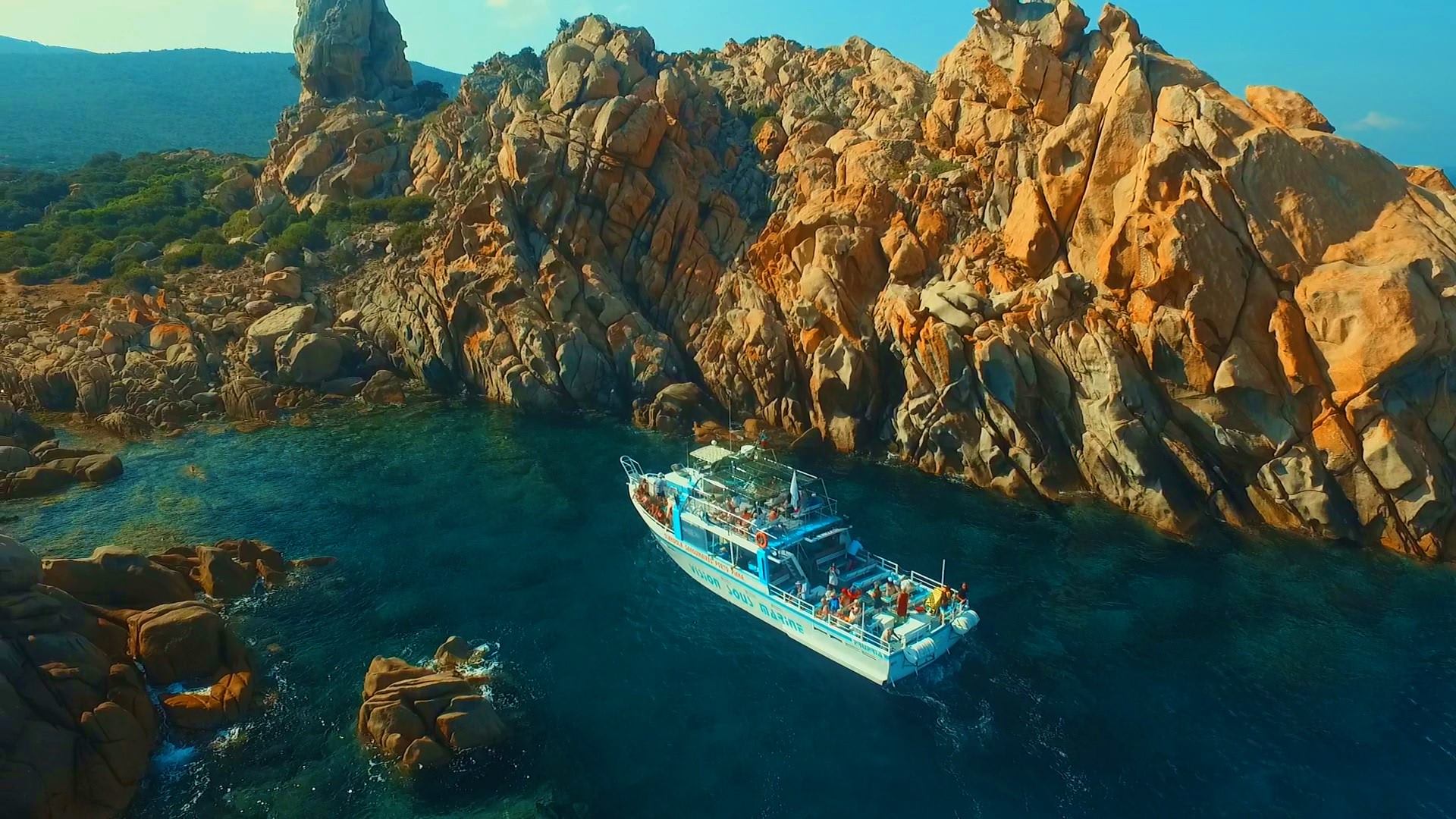
Discover the best things to do in Propriano, Corsica, from canyoning and kayaking to scuba diving, beaches and boat trips. Get practical tips and find the best outdoor adventures fo
Discover a new way to explore Europe: checkyeti and Manawa are joining forces to offer even more outdoor adventures across the continent.
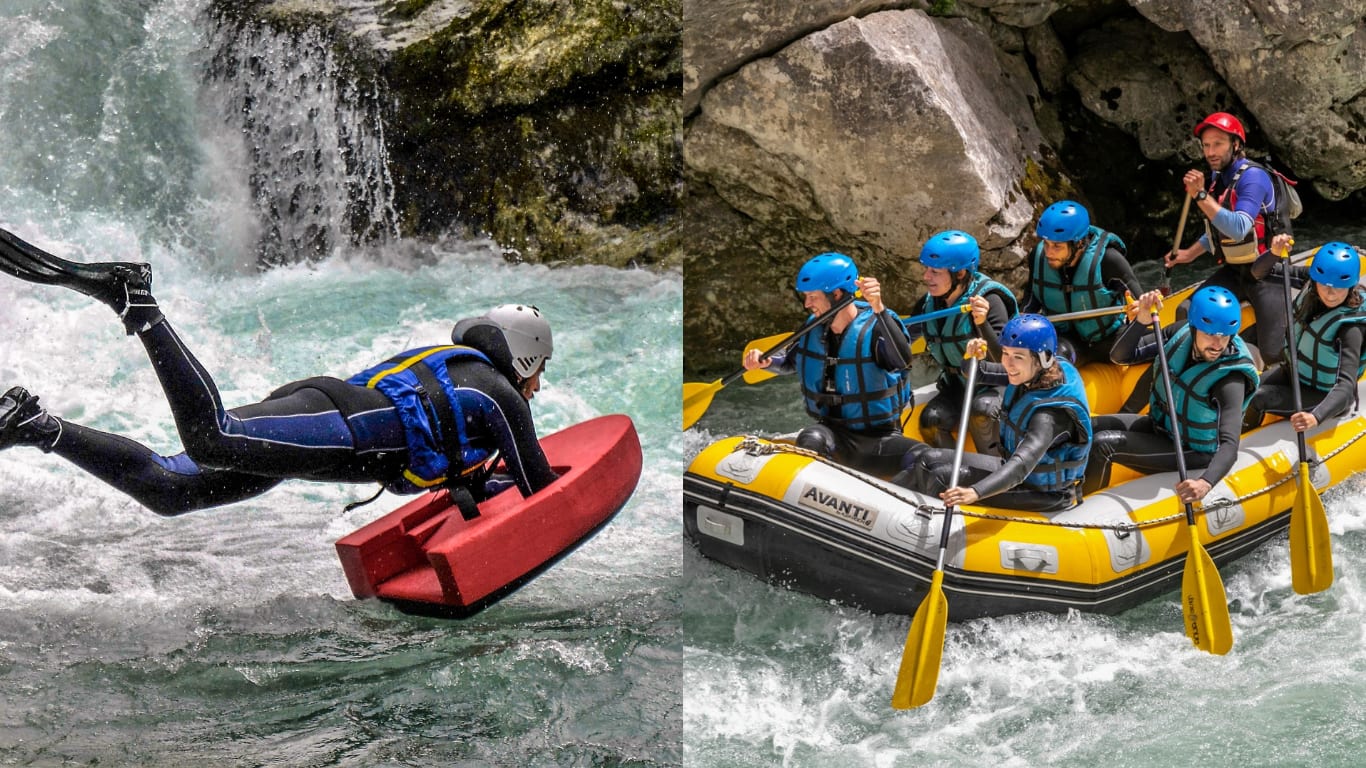
Choosing between rafting and hydrospeed for your next river trip? Discover the key differences to find your perfect whitewater match.
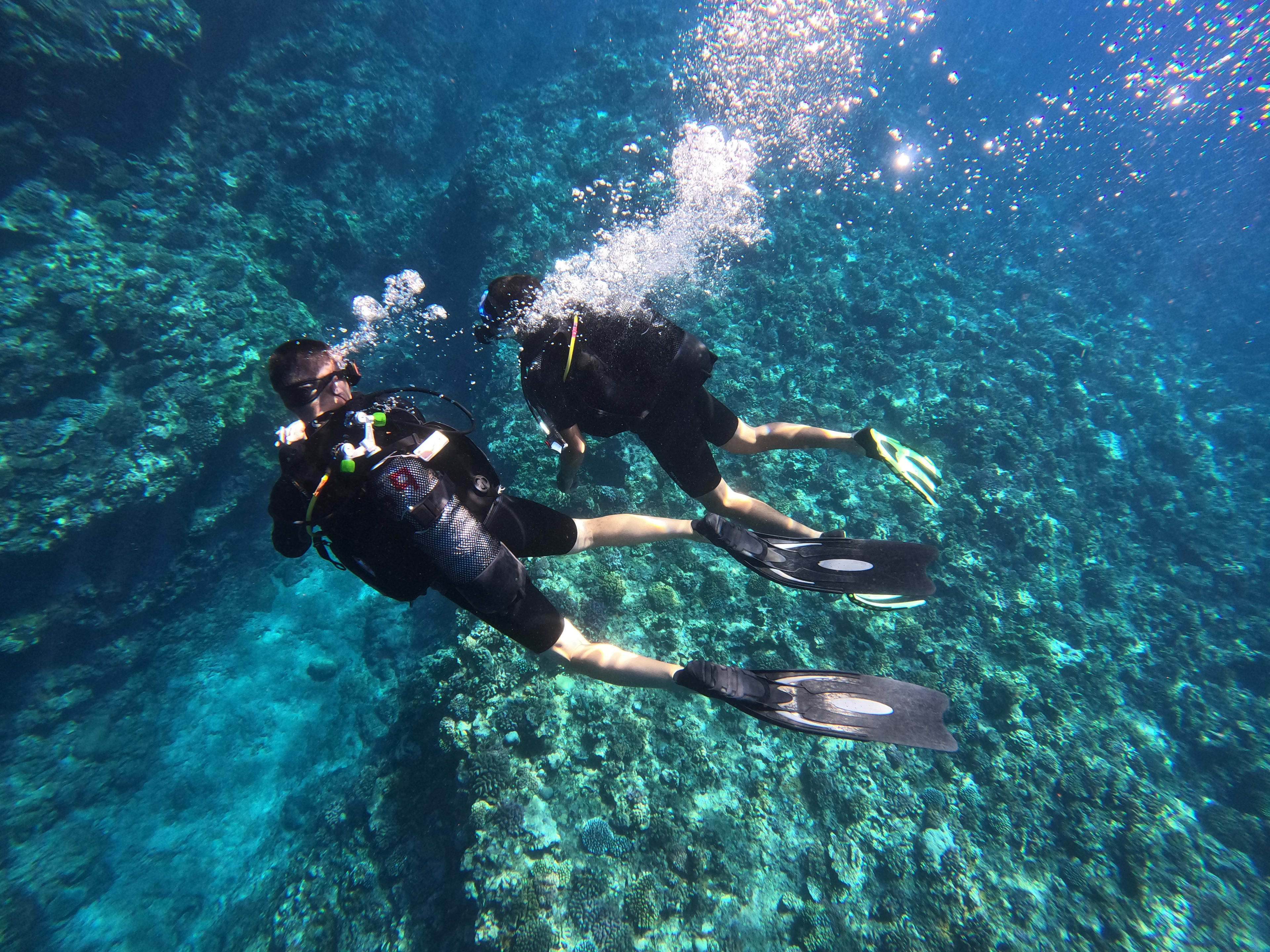
Activity couldn't go ahead? Trigger a full refund directly from your back-office in 3 clicks, no email, no waiting. The quick and complete guide.
Accept, reschedule or decline a request, and find your customers' contact details, everything you can do from the Bookings tab in your back-office, in just a few clicks.